
Fundamentals
Status page: see live if everything is working
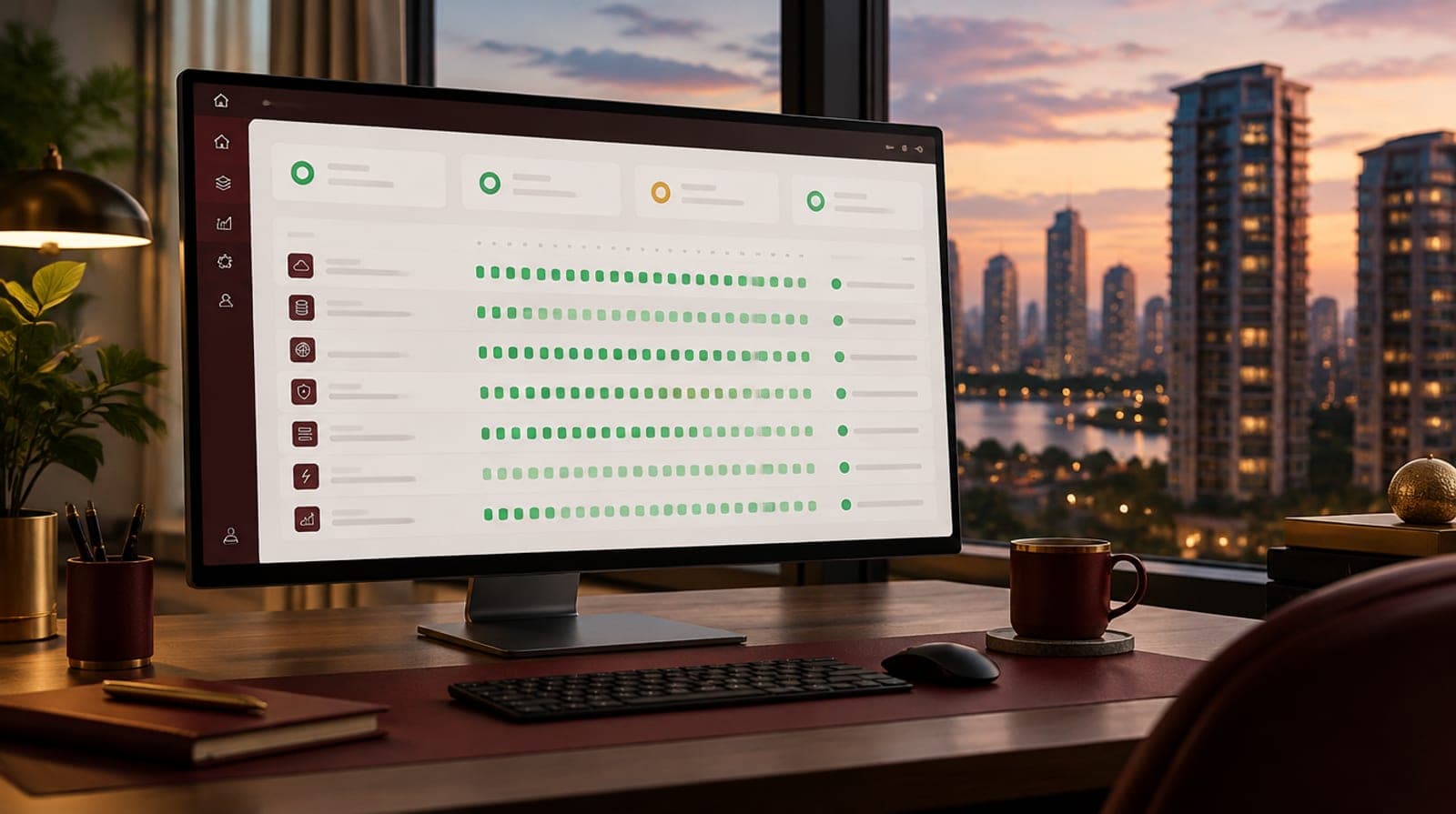
We open a public window to our operation: the live status of each service and the history of the last 30 days, with the good and the failures.
October 20, 2026 4 min readCityFraction editorial team
Key points
- At cityfraction.com/status you can check anytime if the platform, payments, withdrawals, and notifications are working.
- The page shows 17 services and a 30-day history with a color per day: operational, degraded, or down.
- Failures are not hidden: if a service had problems one day, that day is marked in the history.
- When your money is on a platform, knowing if something fails is part of security, not a technical detail.
Infographic
Services you can check on /estado
Number of services per front
View data in table
| Platform | 6 |
| Notices | 4 |
| Payments and withdrawals | 7 |
Source: cityfraction.com/estado
What is the status page
The status page is a public screen where anyone, whether they have an account or not, can check if CityFraction services are working right now. It’s at cityfraction.com/status and does not require logging in.
At the top you’ll see a general system summary and the time of the last update. Below appears each service with its current status and a bar with the last 30 days: one block per day, from 30 days ago to today.
Which services you can check
Today the page gathers 17 services, grouped into three areas: the platform itself, the channels through which we notify you, and payment and withdrawal methods.
- Platform: website, database (with its response time), login and access codes, exchange rates, Network chat, and secondary market.
- Notifications: email, SMS, WhatsApp, and push notifications.
- Payments and withdrawals: ePayco (card and PSE), Nequi and Bre-B, bank transfer, PayPal, Zelle, Wise and Payoneer, and Binance.
How to read the 30-day history
Each day in the history has a color. If a day had multiple states, the worst is kept: so a one-hour problem doesn’t disappear because the rest of the day was fine.
| Color | What it means |
| Green | Operational: the service worked normally |
| Amber | Degraded: it worked, but slow or with partial failures |
| Red | Down: the service was unavailable |
| Sand | No data or in settings |
If you see a day in amber or red, that record stays there: it doesn’t get deleted when the service recovers.
Why we publish it, including failures
No technology platform works 100% of the time. A payment provider may respond slowly, a messaging channel may have delays, or a server may need maintenance. What we can choose is how we communicate it.
We prefer you see it yourself, with data recorded day by day, rather than having to guess. If a withdrawal takes longer than usual or you don’t receive a code, you can go to /estado and know in seconds if it’s a general issue or if it’s worth contacting us.
Why it matters on a real estate fraction platform
When you buy fractions of a property, your money and rents go through the platform: payments, balance, rent credits, withdrawals, and secondary market. Trust isn’t built just with good returns; also with the peace of mind knowing the infrastructure moving your money works and that if it fails, you’ll find out.
The status page turns a promise ("everything works fine") into something verifiable. It’s the same principle as publishing the legal model, company records, or the shareholder list of each asset: showing instead of asking you to believe us.
Why every investment platform should have one
Big tech and payment companies have published their status page for years because their clients depend on them to operate. In digital investment, the reason is even stronger: people’s money is at stake.
- Transparency: investors can verify operations without relying on what the company says.
- Less uncertainty: if there’s a delay, you immediately know if it’s a general problem.
- Accountability: a public history forces improvement because failures are visible.
- Better support: fewer repeated inquiries when something fails and faster responses for everyone.
How to use it in your daily life
Save cityfraction.com/estado in your favorites. If a payment isn’t confirmed, a code doesn’t arrive, or a withdrawal takes time, first check the corresponding service: if it shows amber or red, we’re already working on it; if it’s green, contact us via support and we’ll check it with you.
You can also use it before an important operation, like a big purchase or a sale on the secondary market, to confirm everything is in order.
Frequently asked questions
Do I need an account to see the status page?
No. It’s at cityfraction.com/estado and anyone can check it without logging in.
How often is it updated?
The current status is checked every time the page is opened, and the history keeps a record per service and per day, with periodic reviews throughout the day.
If a service failed, does it disappear from the history when fixed?
No. The day is marked with the worst status it had, even if the service later recovered.
What do I do if I see a service down?
If the service shows red or amber, we’re already aware. If everything looks green and you still have a problem, contact Support via WhatsApp or your messages.
Fonts
Public data consulted for this item. Figures may be updated after the consultation date.
- 1.CityFraction · System status · consultado el October 20, 2026
Explore open properties
Accommodations with fractions from 50 USD.
Conversation
What do you think of this article?
Educational content. Returns and figures are estimates or illustrative examples and do not constitute advice or guarantee. Read the risk information.